 Kerf
Edit the video on the phone that shot it.
Kerf is a video and photo editor for iPhone. Cut clips on a timeline, add text, captions, your own music and transitions, and export to Photos in up to 4K.
Get Kerf on the App StoreFor iPhone with iOS 18.6 or later.
1Open3.3 s
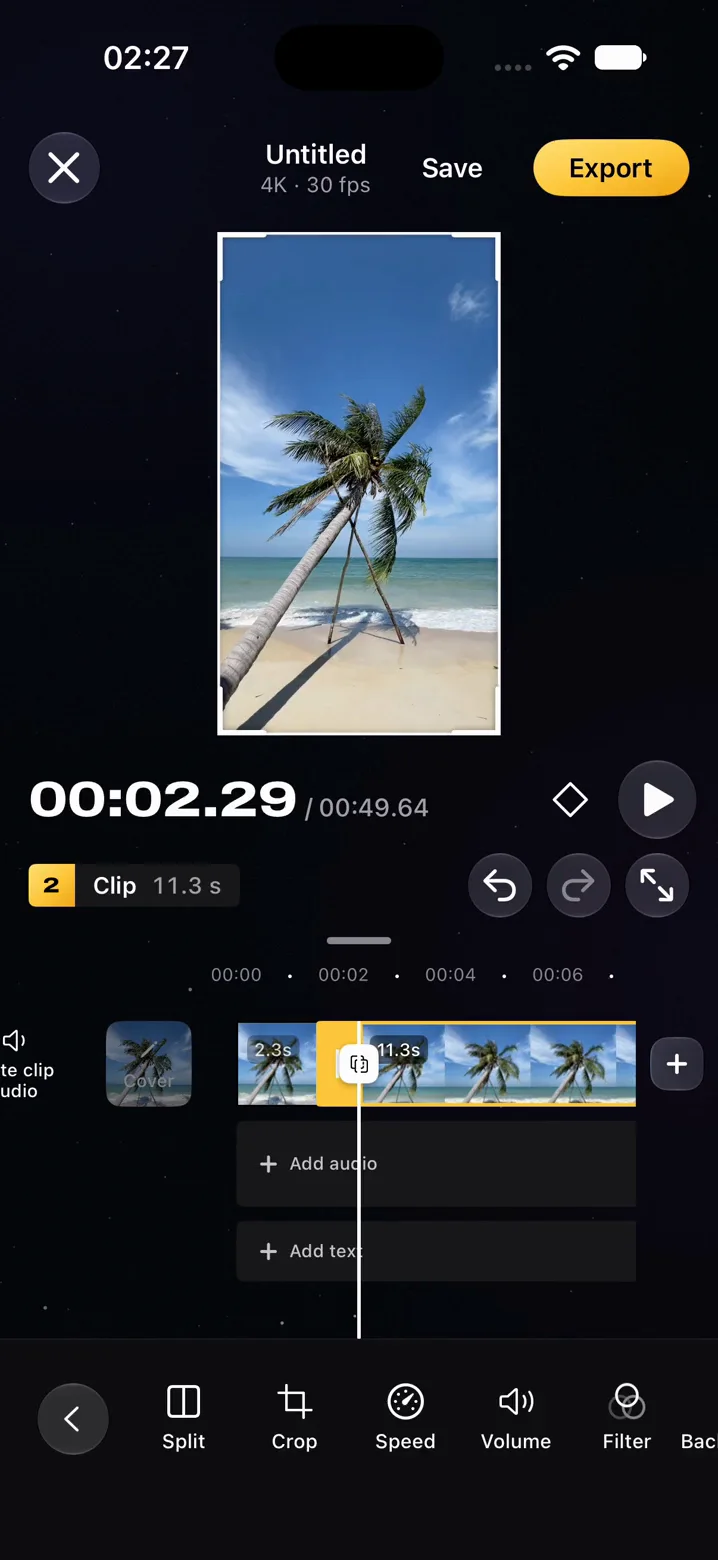
Every cut on one timeline
Clips, text and audio sit in their own lanes under the preview, with the clock above them. Tap a clip to split, crop, change its speed or volume, or add a filter.
Each step can be undone, and Kerf saves the timeline as you work.
Filters, type and transitions
Pick a filter look, set your words in the iOS fonts or Archivo with their own styles and animation, and choose a transition and its duration for one cut or for all of them.
-
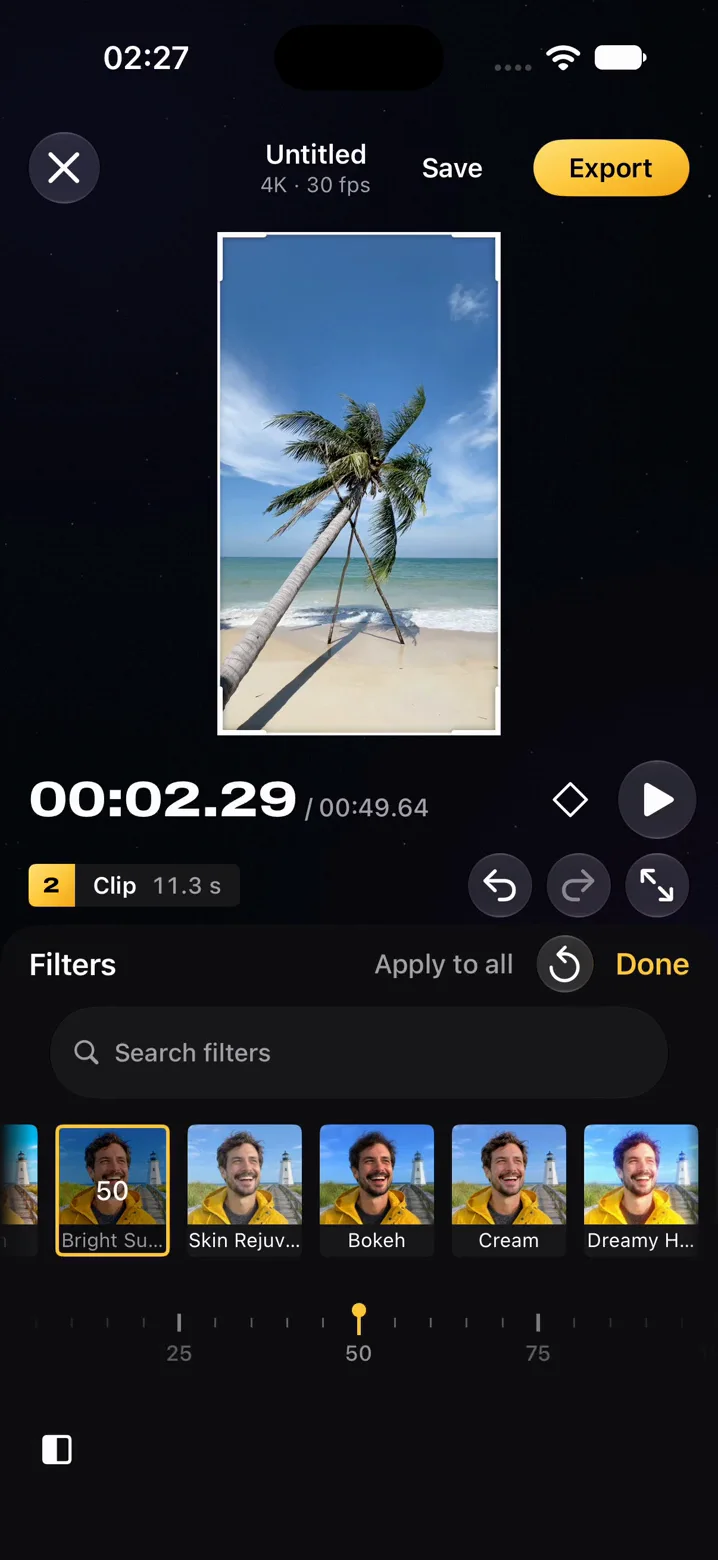
3Filters -
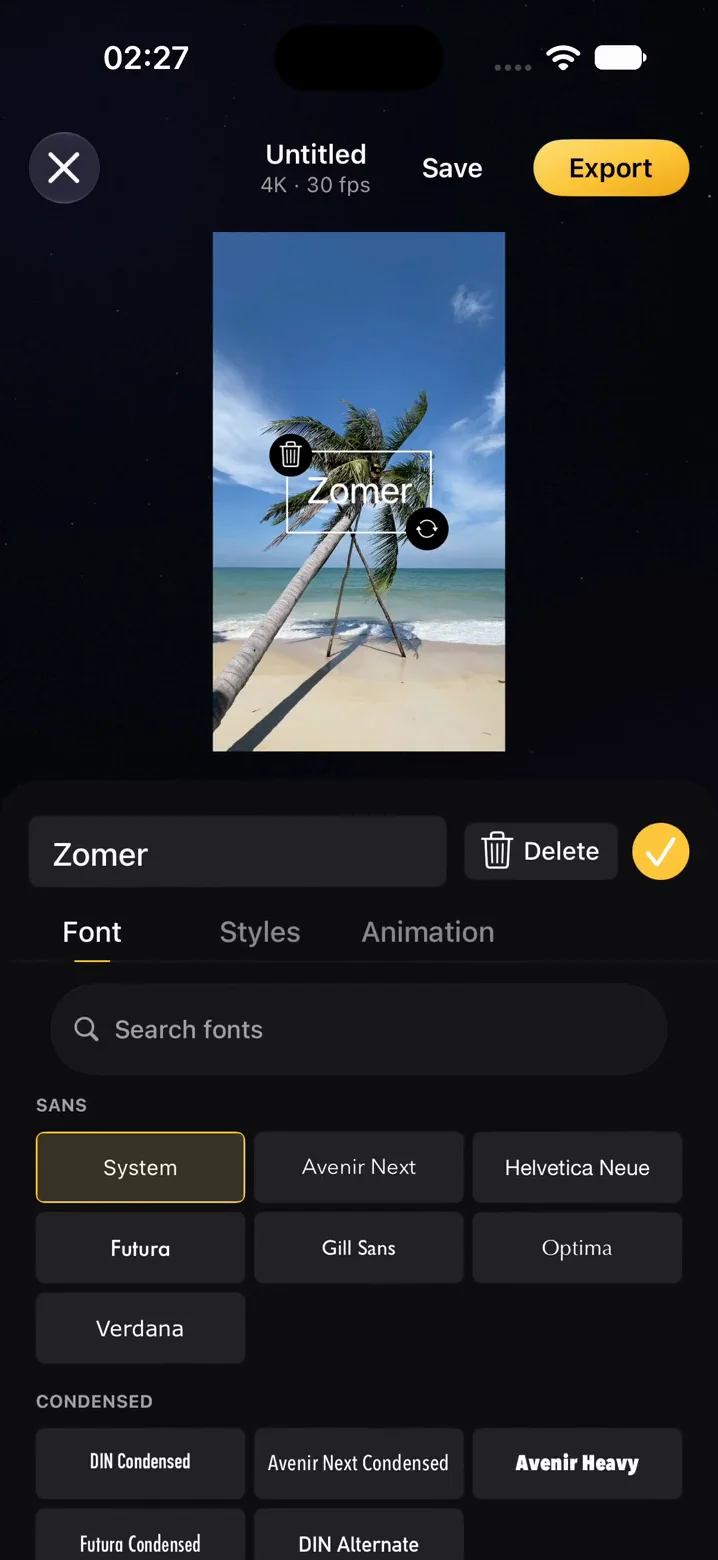
4Text -
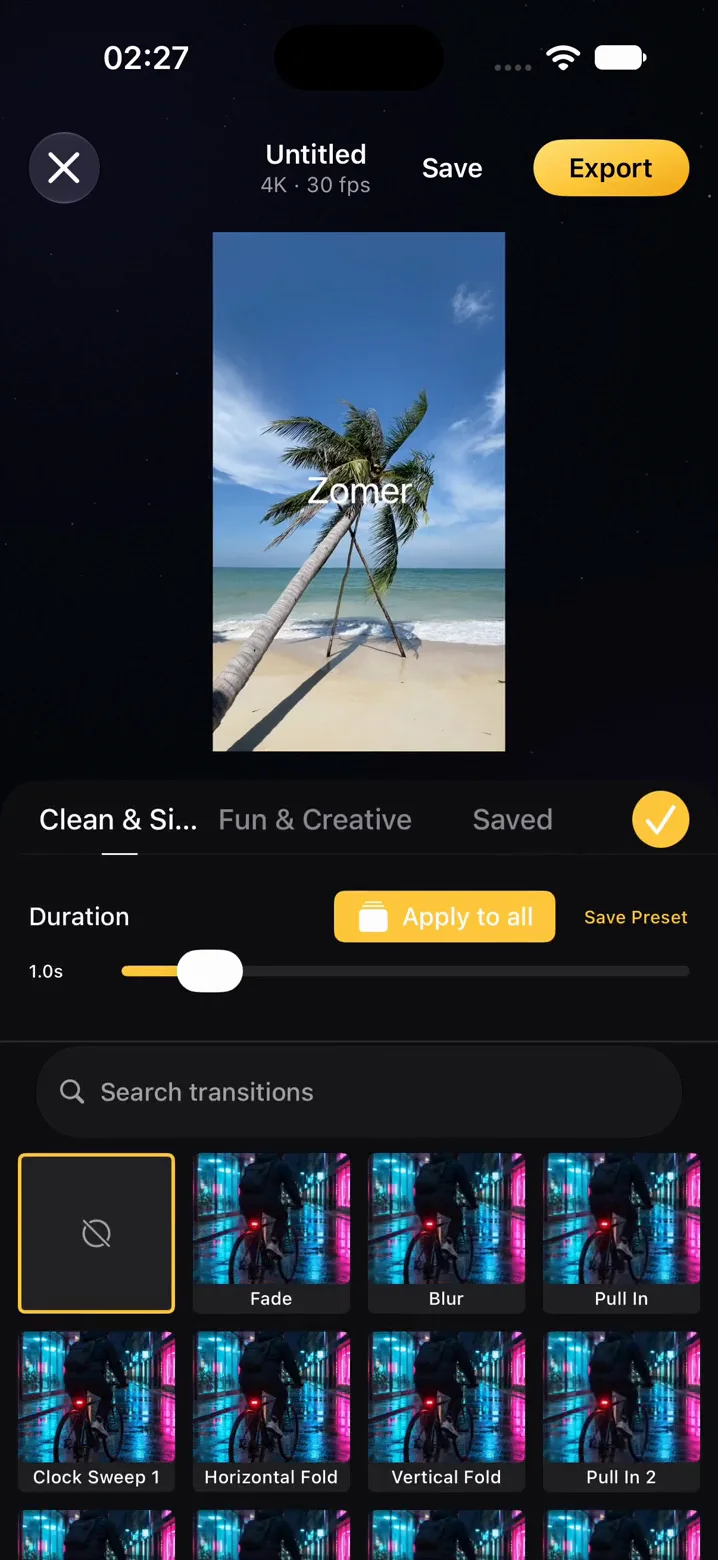
5Transitions
Questions
Are my videos uploaded anywhere?
No. Kerf imports from your photo library and does the editing, preview and export on your iPhone. Projects are saved inside the app on the phone. The only thing Kerf sends to a server is your sign-in.
How do auto captions work?
Kerf turns the speech in your video into captions with the speech recognition built into iOS, set to run on the device. The audio stays on your iPhone.
Can I use my own music?
Yes, and you bring it: Kerf has no music library of its own. Add an audio file from the Files app, use the sound from one of your clips, or record a voice-over.
Where does an exported video go?
Into your Photos library, in 1080p, 2K or 4K. From the share sheet you can also send it straight to another app.
Which iPhones can run Kerf?
Any iPhone with iOS 18.6 or later.
What happens to my projects if I delete something?
A deleted project waits in Recently deleted for 30 days before it is gone. Deleting your account removes the account and leaves your projects on the phone. Deleting the app removes its projects too, so export what you want to keep first.